What is inside
The tasks in Wombat Trainer.
Each session includes one main task and three bonus tasks. Choose radar or tracking at the start. The bonus tasks follow the formats in the official WOMBAT-CS Candidate's Manual and have a time limit.
Main task
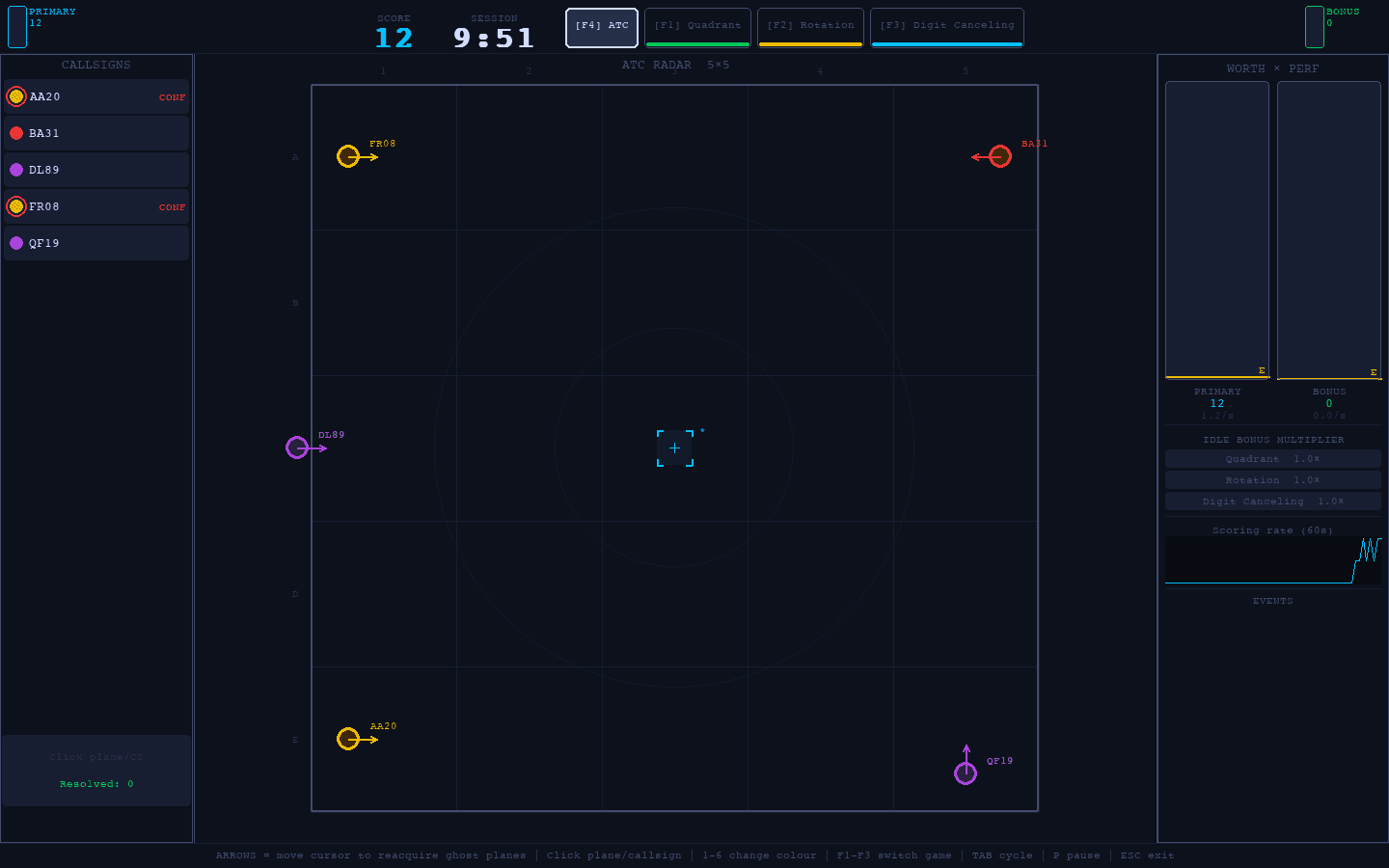
ATC radar
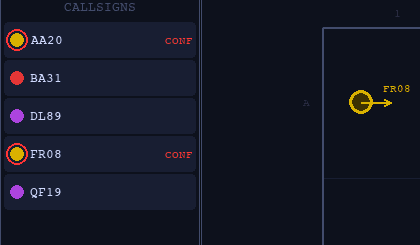
Monitor aircraft and resolve conflicts between them. When an aircraft fades, reacquire it with the cursor.
The radar keeps running while you are in a bonus task.
Bonus task
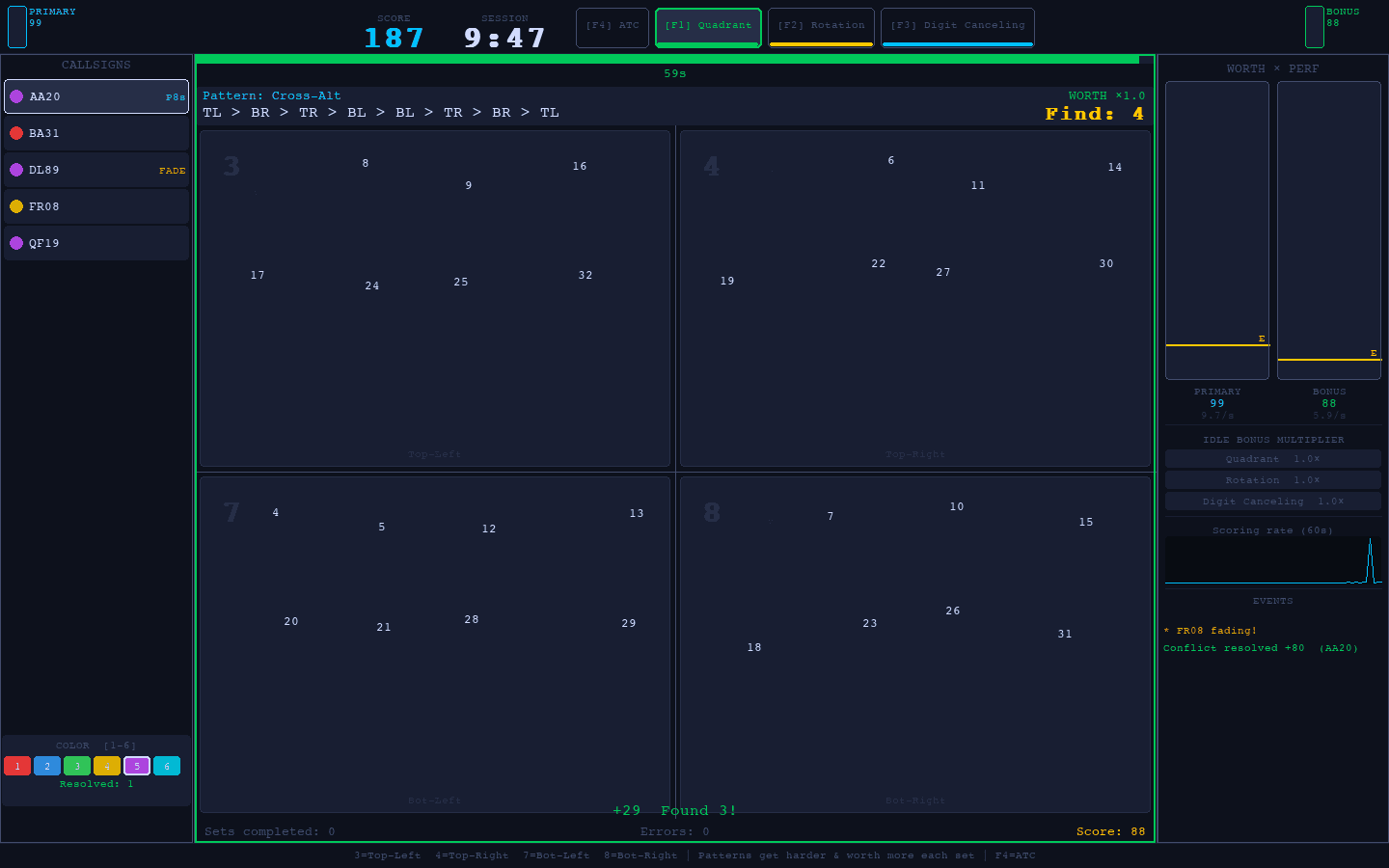
Quadrant Location
The numbers 1 to 32 are scattered across the four quadrants. You find them in order and press the key for the quadrant each one sits in.
Every set gets harder and is worth more.
Bonus task
Figure Rotation
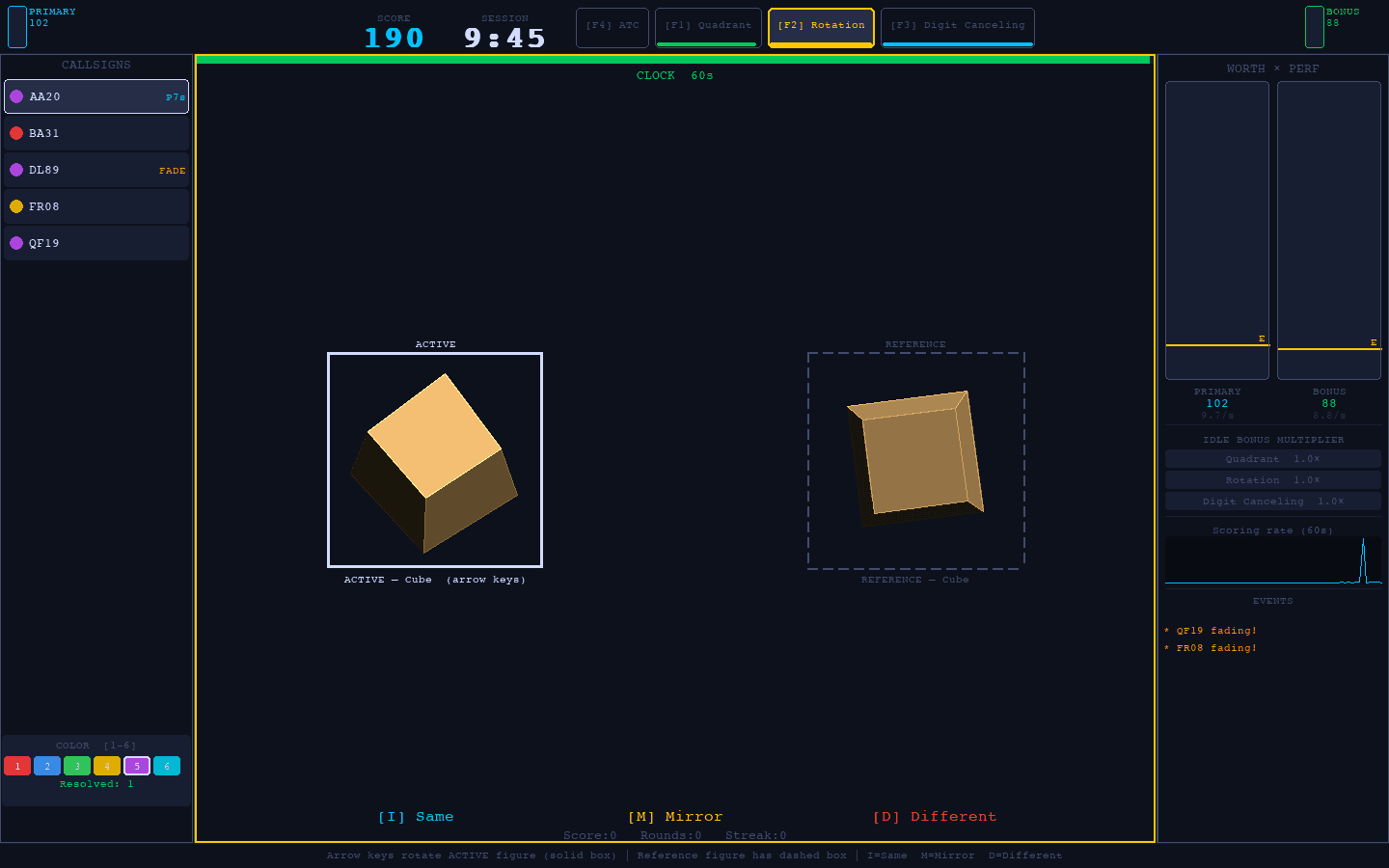
Two 3D shapes on the screen. You decide whether the second one is the same, its mirror image, or a different shape.
Each answer has its own key.
Bonus task
Digit Cancelling (2-back)
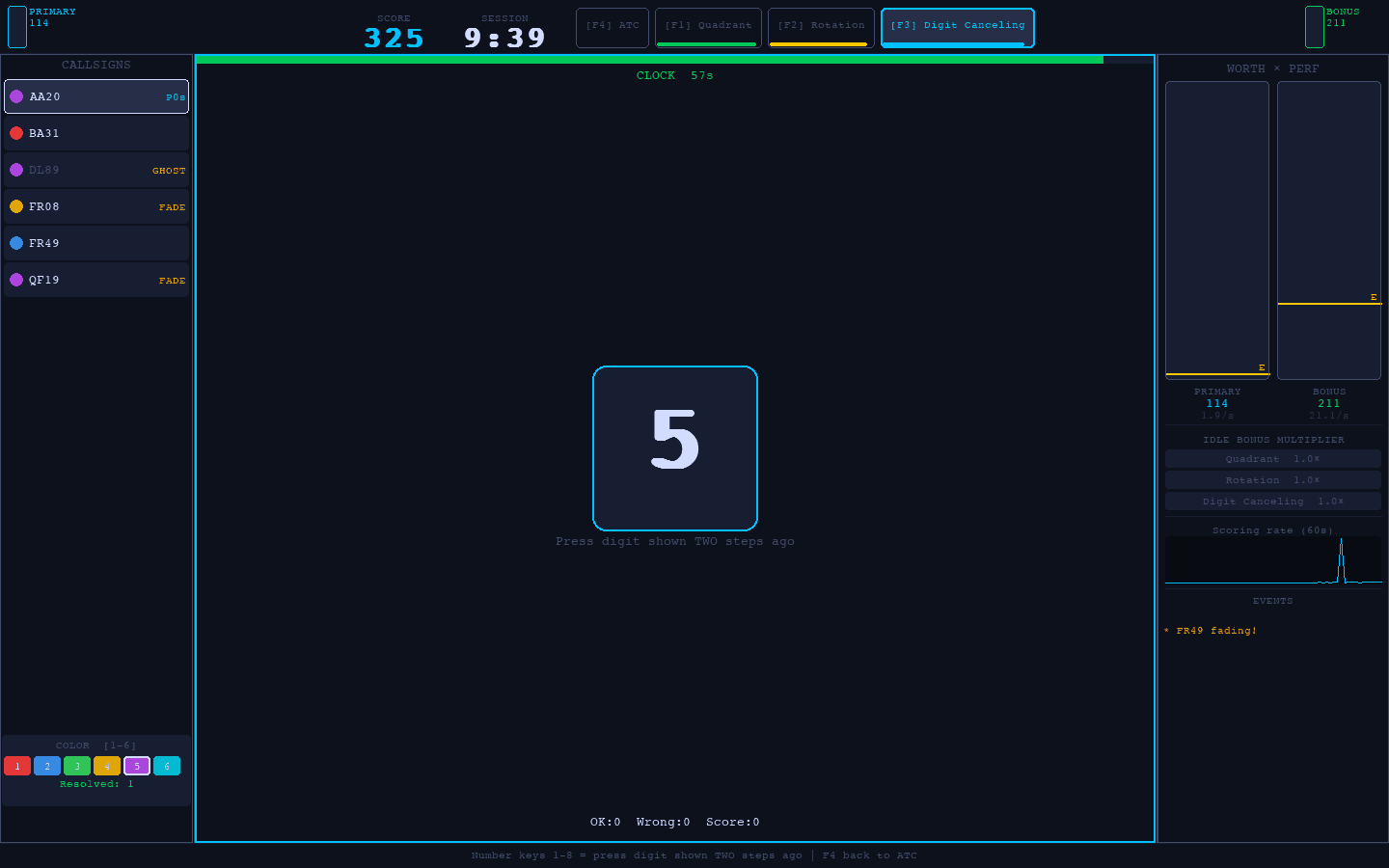
Digits appear one at a time. Enter the digit shown two steps earlier.
The OK, Wrong and Score counters stay on screen while you answer.
The indicator
Worth × Performance indicator
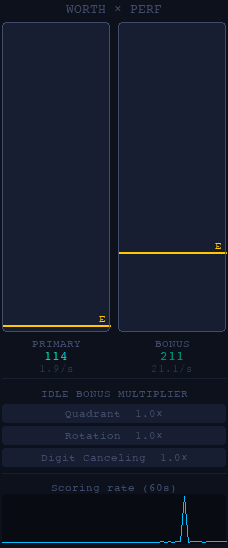
Two live bars, as in the WOMBAT-CS test. They show what each task is worth right now and how well you are doing on it.
The left bar represents the main task and the right bar the bonus tasks. The E line estimates your final score at the current rate.
Compare the bars to see which task is currently earning more points.
After the session
Session history and progress
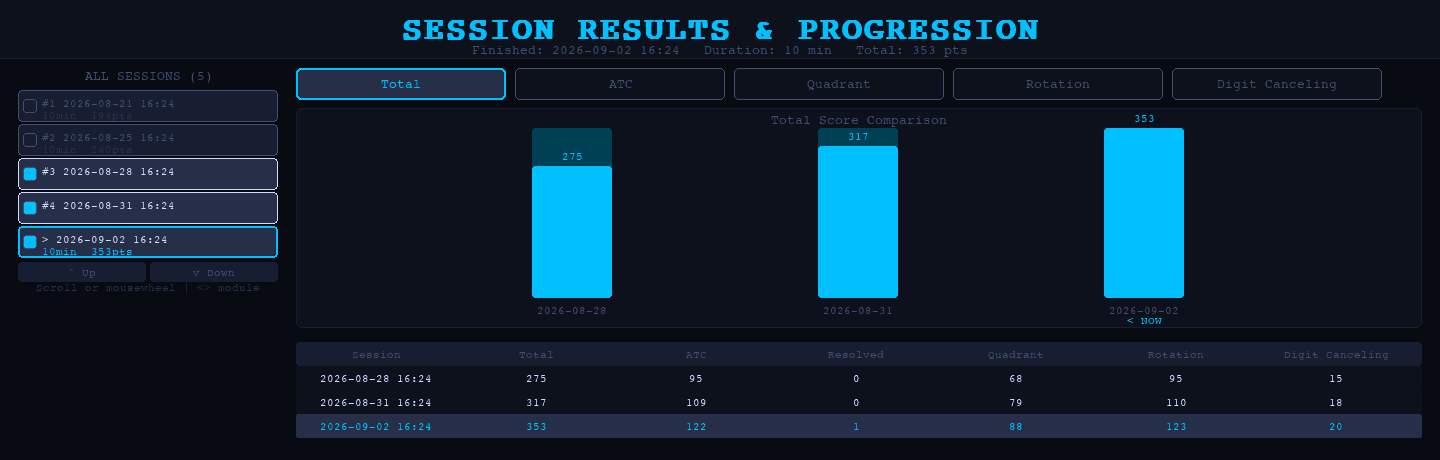
Every session syncs to your account, with the total score, the duration and the points per task.
The dashboard shows your best score and compares your last 5 sessions with the previous 5.