How it works
Getting started.
Install the trainer on your computer. After signing in, you can practise offline for up to 7 days after the last connection.
1. Buy a licence
€78 incl. VAT, you pay once. Windows and macOS included.
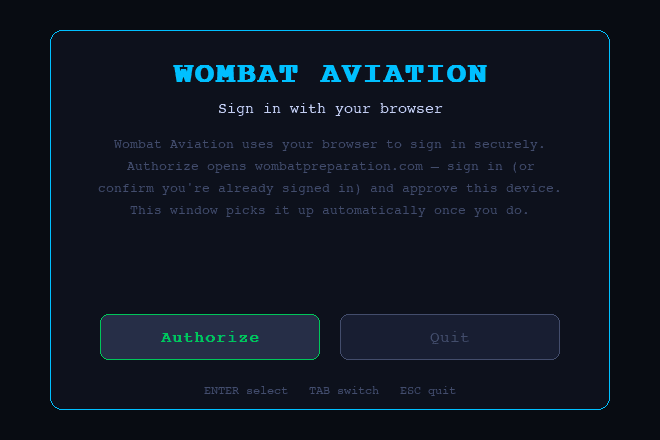
2. Sign in
Sign in to your account to access your downloads and licence.
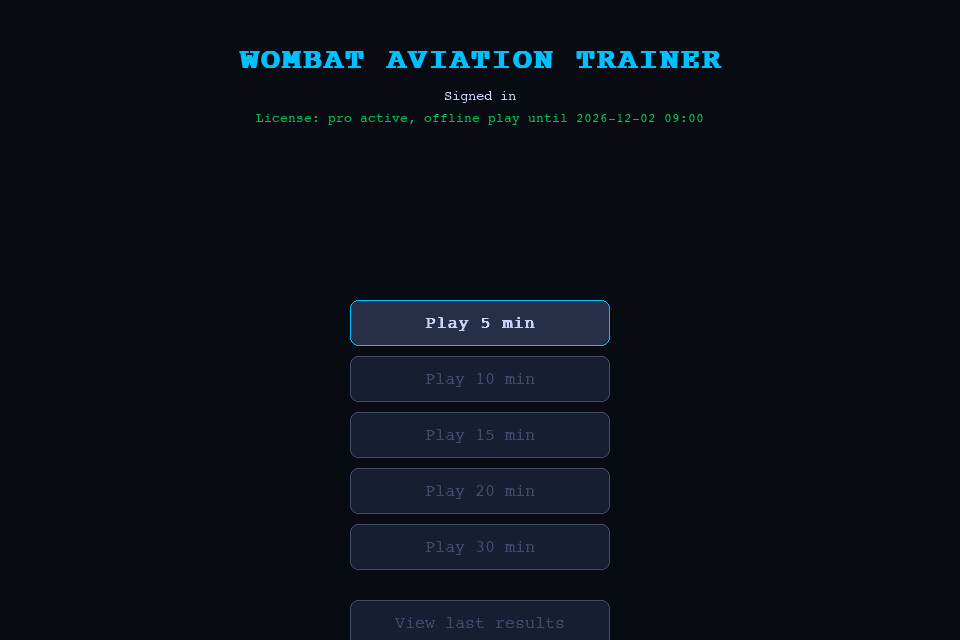
3. Download and open
Download the version for your operating system. On first launch, approve the device in your browser.
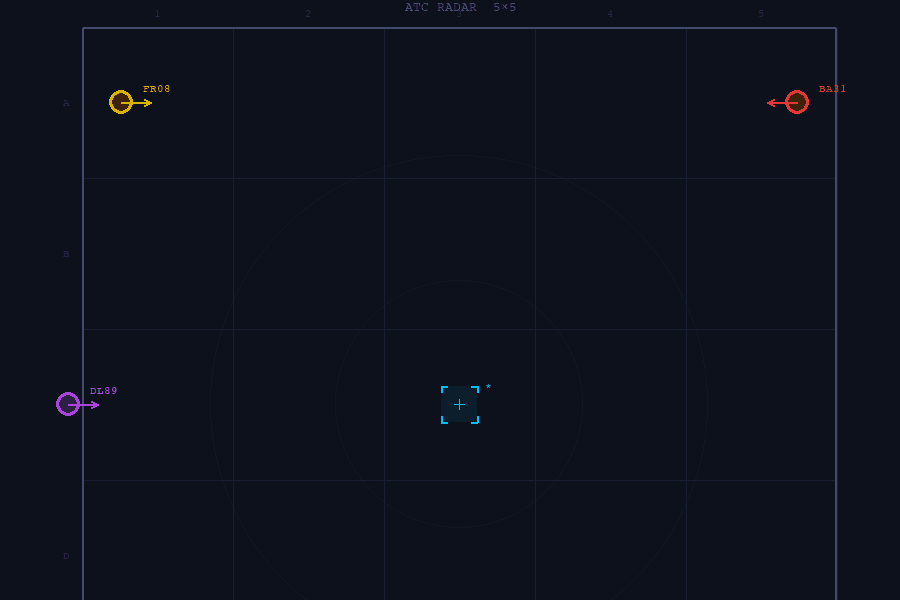
4. Practise
Online or offline. Up to 7 days without internet, from the last time it connected.
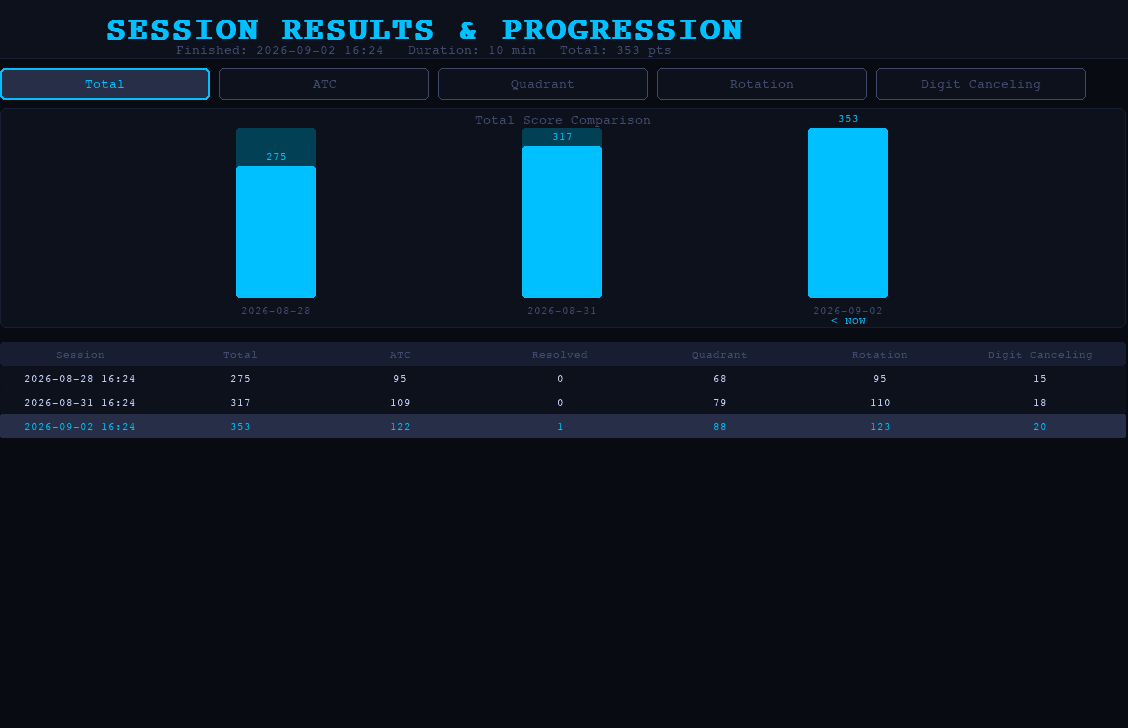
5. Track your progress
Review your scores by task and your total score over time in the dashboard.
Your account
Your licence, devices and results.
Use the dashboard to download the app, manage device access and review synced sessions.
Account
OverviewProgressBillingProfile
Licence
Perpetual licenceValid on one device at a time.
activeActive session
MacBook Pro 14Last seen 40 s agocheck-in every minute
Close sessionDevices
MacBook Pro 14 · macOSLast used today
activeDesktop · Windows 11Last used 28 Aug
Revoke accessDownloads
Download for WindowsDownload for macOS (Intel)Download for macOS (Apple Silicon)
Windows 10 (64-bit) or macOS 12 or later (Intel or Apple Silicon), 4 GB RAM, 100 MB free disk spaceProgress
5Sessions
353Best score
Play at least 10 sessions to see a trendLast 5 vs previous 5
Total score over time
Breakdown by task
| Date | Radar | Quadrant | Rotation | 2-back | Total |
|---|---|---|---|---|---|
| 28 Aug | 95 | 68 | 95 | 15 | 275 |
| 31 Aug | 109 | 79 | 110 | 18 | 317 |
| 2 Sep | 122 | 88 | 123 | 20 | 353 |
System requirements
What you need to run the app.
- Operating system
- Windows 10 (64-bit) or macOS 12 or later
- Processor
- Intel or Apple Silicon, native builds
- Memory
- 4 GB of RAM
- Disk
- 100 MB of free space
- Controls
- Keyboard and mouse only
- Internet
- To sign in and check the licence. Then up to 7 days offline